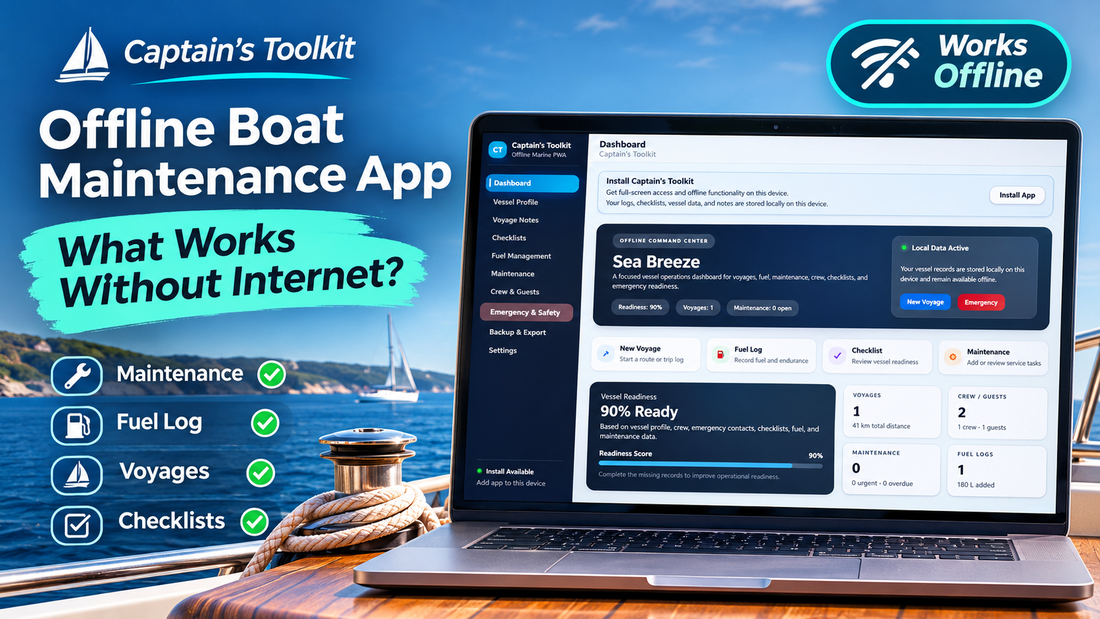
Imagine spending a quiet afternoon at anchor, away from the marina, when you remember that the engine is due for a service. You open your boat maintenance app to check the last oil change, but instead of the record you need, you get a loading screen. The application is waiting for an internet connection that isn't available.
It's a small inconvenience, but it raises an interesting question. How much of a boat management application should depend on being online in the first place?
We are used to software that connects to a server almost every time we open it. That makes sense for banking, online shopping or collaborative work. Boat maintenance is a little different. Checking engine hours, recording a fuel refill or reviewing a pre-departure checklist doesn't necessarily require information from the internet. Much of that information belongs to the boat and the person maintaining it.
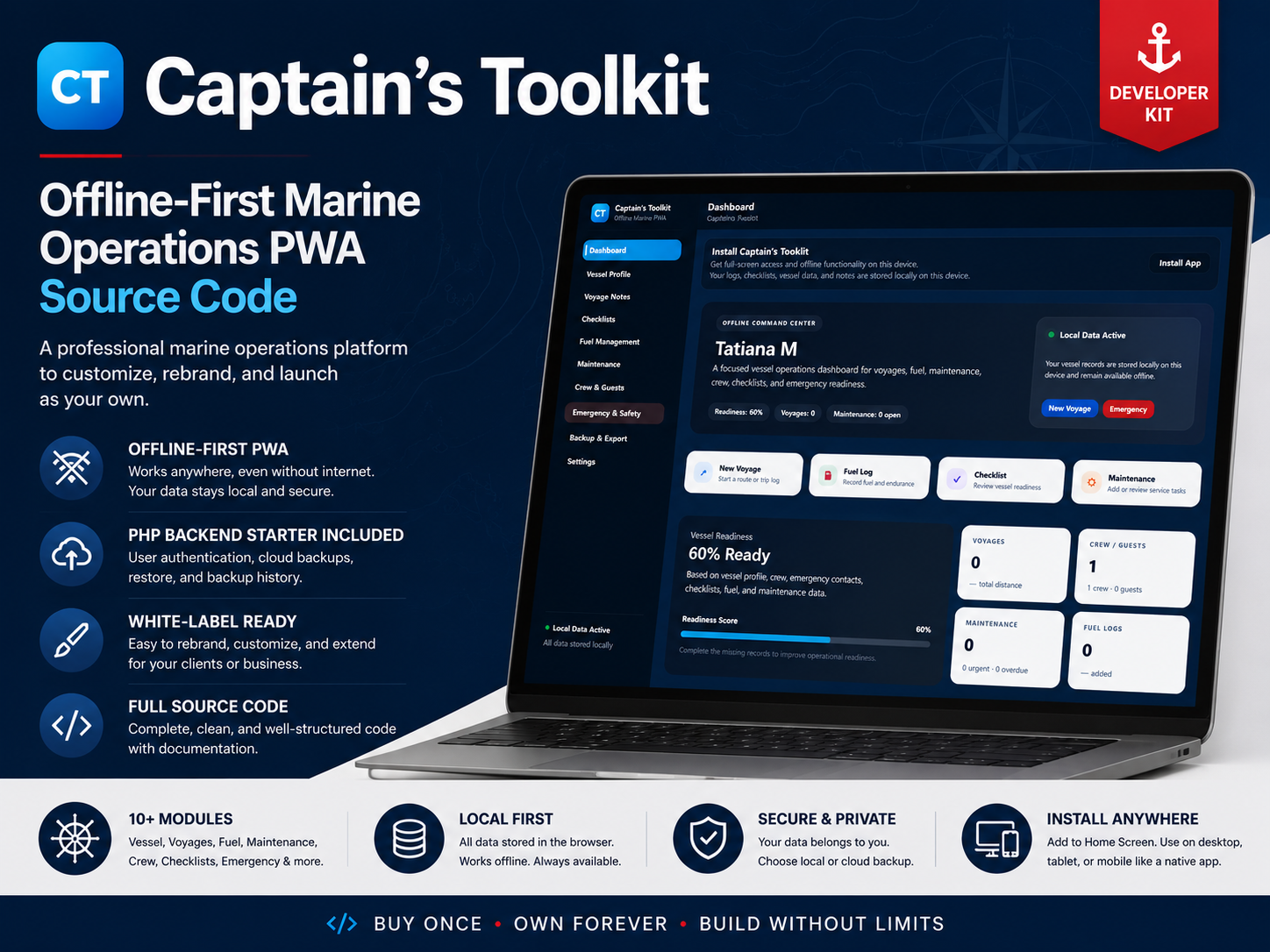
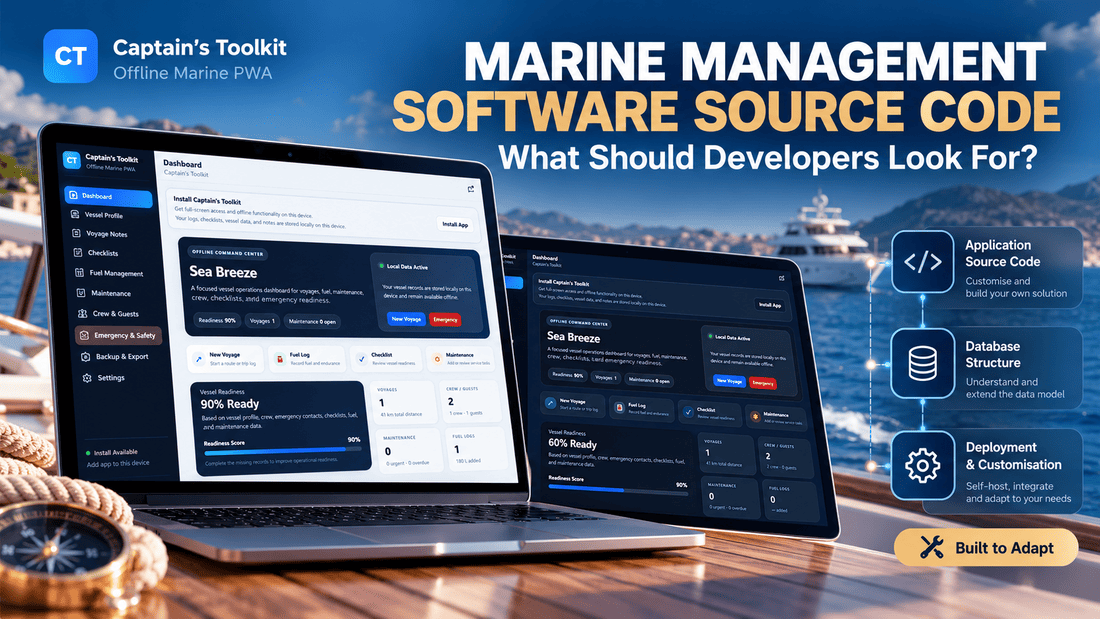
This is one of the ideas behind Captain’s Toolkit, an offline-first marine management application I developed for Cordinant. It combines vessel records, maintenance, voyages, fuel management, checklists and emergency information in one place, with local data storage at the centre of its design.
But before looking at the application itself, it's worth exploring what offline boat software can realistically do, where its limitations begin and why those distinctions matter.
A Boat Doesn't Always Have the Internet Connection You Expect
At home, a reliable internet connection is something we rarely think about. A browser opens, an application loads and our information appears. Even when the connection fails, we usually have alternatives: mobile data, another network or simply waiting a few minutes.
On a boat, the situation can be less predictable. A marina may offer Wi-Fi, but its quality can vary depending on the location, network equipment and number of connected devices. Mobile coverage can be perfectly adequate near a coastal town and much less reliable farther along the coast or in a sheltered anchorage.
Of course, boats can also have sophisticated communication equipment, including satellite internet. Being offshore doesn't automatically mean being disconnected. But not every private boat has that equipment, and not every owner wants to depend on it for routine tasks.
The problem is not necessarily that internet access is unavailable for an entire voyage. It's that the connection may disappear at precisely the moment someone wants to use a particular feature.
Consider a few ordinary situations. A boat owner wants to check when the fuel filters were last replaced. Someone is preparing the vessel for departure and working through a safety checklist. After a short trip, the owner wants to record the distance travelled and update the fuel log.
These are relatively simple activities. Yet an application that sends every request to a remote server might make them unnecessarily difficult.
That is why the distinction between a cloud-dependent application and an offline-first one deserves attention.
What Should a Boat Maintenance App Do Offline?
An offline boat maintenance app should do more than display a previously loaded dashboard. Ideally, it should allow users to continue ordinary record-keeping activities, save changes locally and access the information already stored on their devices.
Not every marine application needs the same features. A commercial fleet management system has different requirements from an application designed for a private motor yacht or sailing boat. Still, several activities are particularly well suited to offline use.
Maintenance Records and Service History
Boat maintenance involves a collection of small but important details: engine oil changes, filter replacements, battery inspections, hull checks and other recurring work.
Some tasks follow a calendar schedule. Others depend on engine hours, operating conditions or the manufacturer's recommendations.
A digital maintenance log can make those records easier to organise than a collection of handwritten notes. When it works offline, the owner can review previously saved information or record completed work without waiting for a network connection.
For example, after replacing an engine filter, someone might want to record the date, engine-hour reading and a short note about the work. There is no obvious reason why that information must travel to a remote server before it can be saved.
Fuel Tracking and Voyage Notes
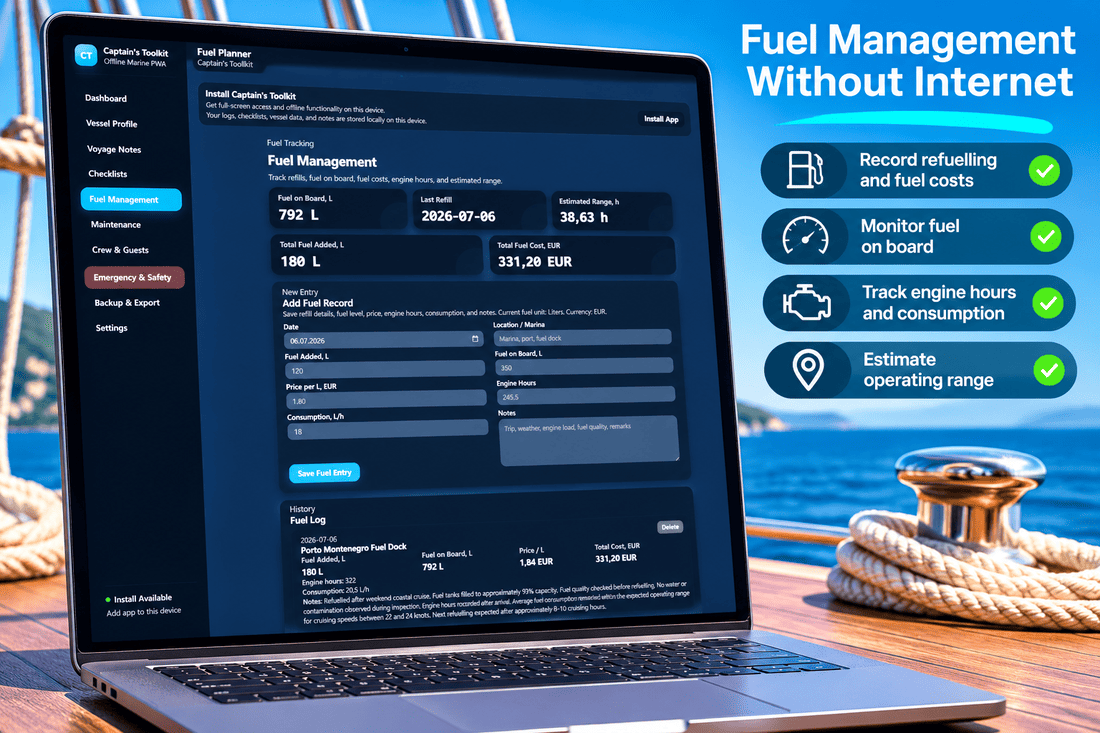
Fuel records are another example. A boat owner might record the amount of fuel added, the date and other details useful for following consumption over time.
Voyage notes can serve a similar purpose. They provide a record of trips, distances, operating hours and observations that may be useful later.
An offline-capable application can allow these entries to be made while the information is still fresh. Otherwise, the owner has to remember the details and enter them later, when a connection becomes available.
Checklists That Don't Depend on Wi-Fi
Checklists are especially suited to offline operation because they usually contain information that has already been prepared.
A pre-departure checklist might include checking navigation lights, inspecting engine fluids and reviewing safety equipment. An arrival checklist might cover mooring lines, fenders and shutting down the engine.
The application doesn't need live internet access to know whether someone has checked an item. It needs a way to store the checklist and remember which tasks have been completed.
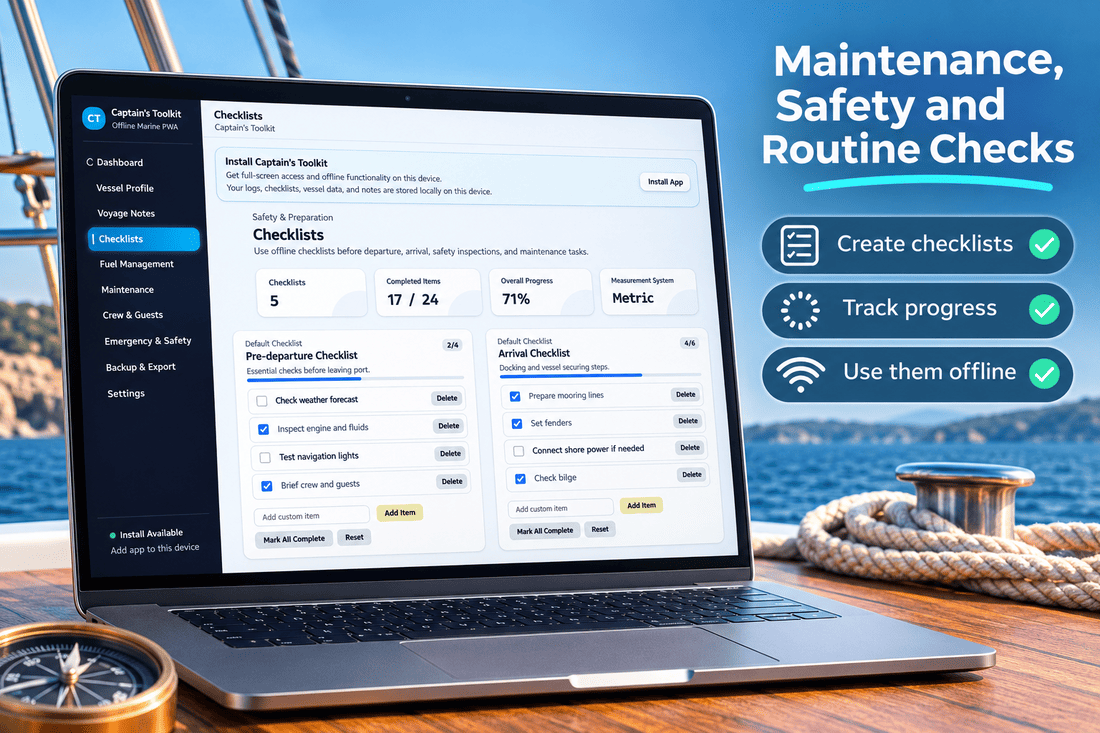
The same principle applies to maintenance and safety inspections. A digital checklist becomes much more practical when it remains accessible regardless of the connection.
Vessel Details and Emergency Information
A vessel profile can contain registration details, equipment information, identification numbers and other records that are useful to keep together.
Emergency information is particularly important to have available locally. Contacts, radio procedures, crew medical notes and prepared emergency instructions should not depend entirely on opening a remote webpage.
That doesn't mean an app can replace official emergency equipment, marine communication systems or proper safety procedures. It can, however, provide an additional way to organise and access previously stored information.
| Activity | Can work offline? | Important consideration |
|---|---|---|
| Maintenance records | Yes | Local storage for new and existing entries |
| Fuel logs | Yes | Entries can be saved on the device |
| Voyage notes | Yes | Automatic online data is a separate feature |
| Checklists | Yes | Previously stored lists and completion status |
| Vessel profile | Yes | Information must already be saved locally |
| Emergency contacts | Yes | Contact details can be viewed; communication may still need a network |
| Cloud backup | No, for remote transfer | Requires a connection to the backup service |
| Multi-device sync | Not fully | Devices need a supported way to exchange changes |
These are general technical possibilities for an offline-capable application, not a guarantee that every marine app implements them.
Offline Doesn't Mean Every Feature Works Everywhere
There is an important difference between an application being designed for offline use and every possible feature working without a connection.
Take a Progressive Web App, or PWA. It is a web-based application that can use browser technologies to make application files and locally stored information available without continuously contacting a server.
Once the necessary files have been loaded and the application is properly prepared, users may be able to reopen it and continue working offline.
However, there are practical limitations.
A first-time visitor may need an internet connection to load the application. Browser storage can be affected by device settings, storage pressure or someone clearing site data. Some features may rely on external services even when the main application works locally.
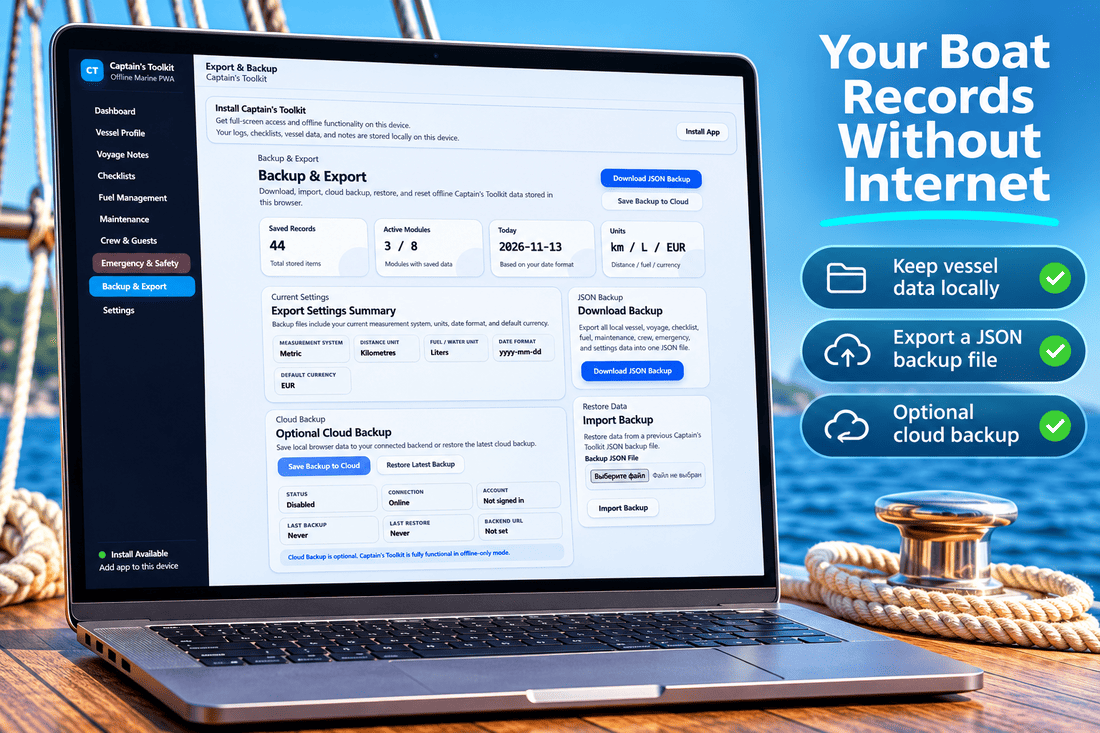
A local record is not automatically a backup. If all the information is stored in one browser on one device, losing that device or clearing its storage could mean losing the records as well. Offline access and long-term data protection solve two different problems.
There is also the question of synchronisation. An application can save information offline without automatically sharing it with another device. Synchronising changes between a phone, tablet and laptop requires additional functionality, and potentially a way to resolve conflicting edits.
These distinctions are easy to overlook when an application is advertised simply as working offline.
For a boat owner, the more useful questions are specific: Can I open my records without internet? Can I add new entries? Will they still be there after I close the application? Can I export them? What happens when I switch devices?
The answers reveal much more than an offline badge on a product page.
Why I Built Captain’s Toolkit Around Offline Use
When developing Captain’s Toolkit for Cordinant, I wanted to approach vessel management as a collection of everyday onboard activities rather than build everything around a permanent connection to a remote service.
The application is an offline-first PWA with modules for vessel information, voyage notes, maintenance, fuel management, checklists, crew and guests, emergency information, and backup and export.
Its dashboard brings several of these areas together. It can display vessel readiness, checklist progress, recent activity and summaries of stored records.
One part of the design I find particularly useful is the separation between the application's core local functionality and optional online services.
Captain’s Toolkit stores its main records locally in the browser. The Settings area includes an application status section, where users can check information such as offline readiness, service worker status and storage availability.
It also includes optional cloud synchronisation settings. Those are separate from the local application, rather than being a requirement for using its core modules.
This distinction matters because the application should remain useful even when no backend connection has been configured.
The Maintenance module provides a place for service tasks and records. Fuel Management handles fuel-related entries. Voyage Notes keeps trip information together, while Checklists supports preparation, arrival, safety and maintenance routines.
There is also an Emergency & Safety section containing vessel identification, emergency contacts, radio information, procedures and crew-related notes.
These modules are not intended to replace specialised navigation systems or professional marine safety equipment. They address a different need: keeping routine vessel information organised and accessible.
For anyone interested in the application itself, the Captain’s Toolkit product page provides an overview of the software and its source-code licensing options.
A Digital Logbook Is Useful Only If You Can Keep Using It
Paper logbooks have one advantage that software cannot completely reproduce: they don't need batteries, browsers, operating systems or internet connections.
A notebook can sit in a drawer for years. You open it, find a page and write something down.
That simplicity is part of its appeal.
Digital records offer different advantages. They can be easier to search, update, organise and export. A single application can also connect information that might otherwise be spread across several notebooks.
For example, a voyage entry might sit alongside fuel records, maintenance notes and vessel details. Instead of looking through several paper documents, the owner can review the relevant information in one interface.
Neither approach is automatically better in every situation.
| Paper logbook | Offline digital logbook |
|---|---|
| No power required | Requires a working device |
| No internet required | Can operate without internet when properly prepared |
| Simple handwritten entries | Structured digital records |
| Searching may take time | Records can be organised and searched |
| Physical damage or loss is a risk | Device failure or data loss is a risk |
| Copies require manual effort | Export and backup may be available |
| No software maintenance | Application and device need maintenance |
There is also a reasonable argument for keeping both.
A paper logbook may remain useful for formal records, personal notes or situations where electronics are unavailable. A digital application can complement it by organising maintenance, fuel and other operational information.
Some records may also have specific legal or operational requirements, depending on the vessel and jurisdiction. A digital maintenance app should not automatically be assumed to replace every required official logbook.
The more interesting comparison, therefore, isn't necessarily paper versus digital. It is between different ways of making information accessible when someone actually needs it.
A digital logbook that becomes unusable whenever connectivity drops loses part of the convenience that made it attractive in the first place.
What Happens to Your Records When You Come Back Online?
One of the questions worth asking about any offline application is what happens to the information after it has been saved.
Some applications use a local database and automatically synchronise with a server when the connection returns. Others store information locally and provide manual export options. Some combine both approaches.
Captain’s Toolkit includes a Backup & Export section for managing locally stored data.
The application supports downloading a JSON backup containing records such as vessel information, voyage notes, checklists, fuel logs, maintenance, crew, emergency information and settings.
That file can be retained separately and used to restore data through the application's import functionality.
The application also has an optional cloud backup component, but it is not required for its core offline operation. A cloud backup naturally requires a working connection to a configured backend.
This arrangement offers two different ways of thinking about the information.
Local storage makes the application available on the current device. Exporting records provides a way to preserve a copy outside that browser. Optional cloud functionality can add another method of backup when configured.
None of these should be confused with guaranteed automatic synchronisation across every device.
For example, saving a record on a laptop does not automatically mean that the same record will appear on a phone. That depends on whether synchronisation has been configured and how the application handles data transfer.
I think this is an important distinction for any software product that emphasises user control. Owning or controlling the application is useful, but being able to preserve the information created inside it is just as important.
A Boat App You Can Use - or a Starting Point You Can Build On
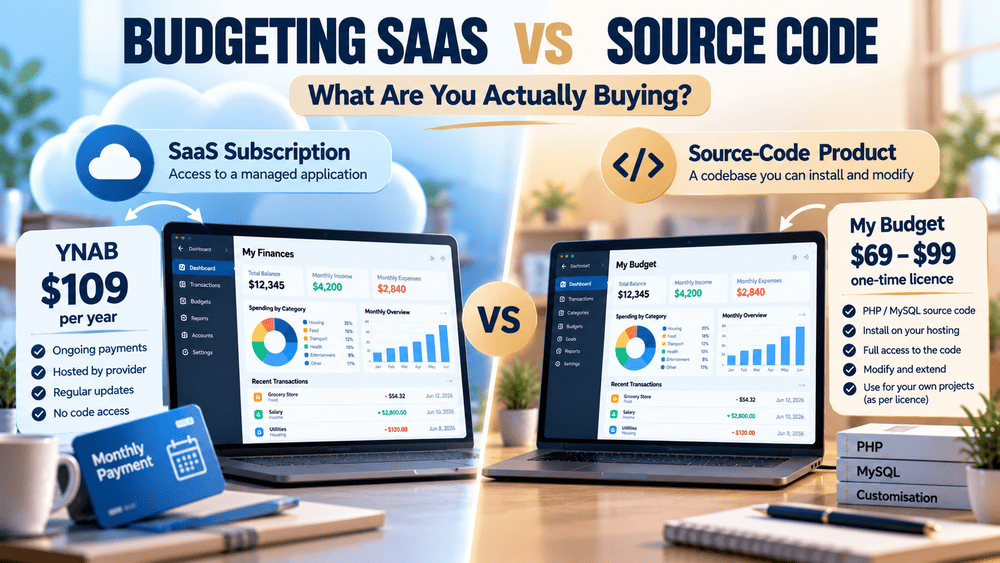
There is another side to Captain’s Toolkit that makes it somewhat different from a conventional subscription-based marine application.
It is offered as a source-code product.
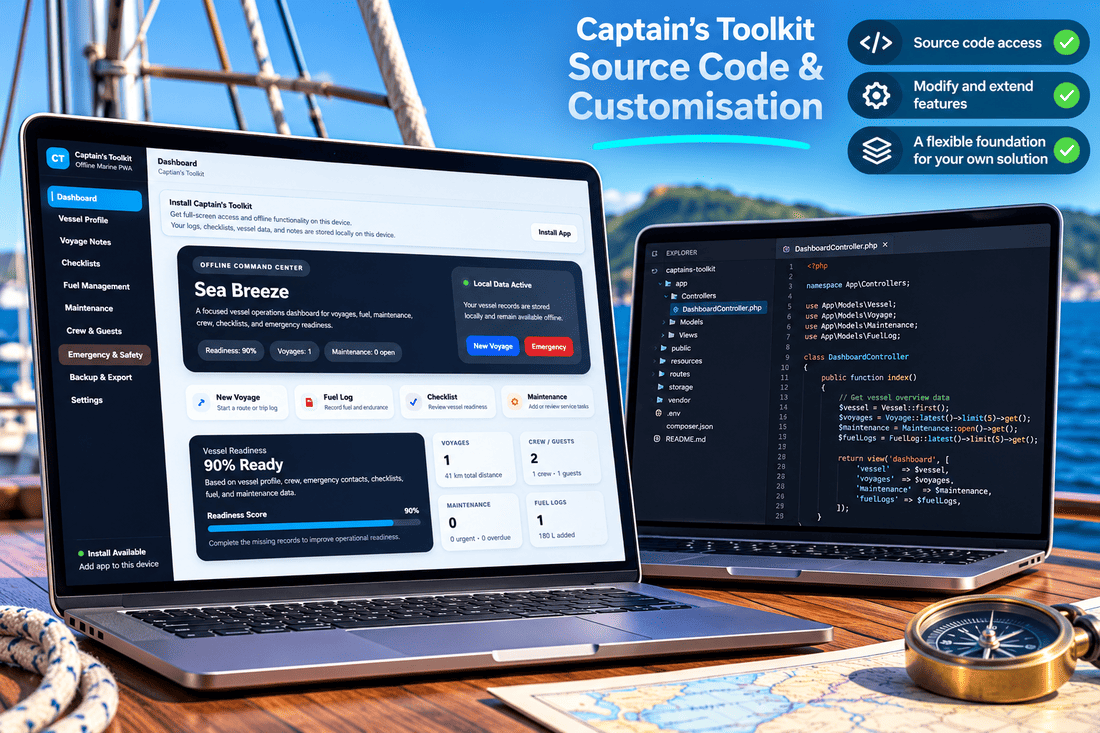
That means the product is relevant not only to people looking for an application to use, but also to developers and businesses interested in adapting an existing software foundation.
A developer might want to create a more specialised maintenance interface. A small marine business might be interested in a version with different record fields or custom workflows. Someone building a new product could use parts of the existing application as a starting point rather than creating every screen and module from scratch.
These are potential development directions, not features that already exist in Captain’s Toolkit.
There is a difference between buying an application and buying code that can be modified. The latter offers more flexibility, but it also requires technical work and responsibility for testing, deployment and ongoing maintenance.
Captain’s Toolkit includes an offline-first PWA and an optional PHP component. How a buyer uses or extends the code depends on their needs, technical experience and the terms of the purchased licence.
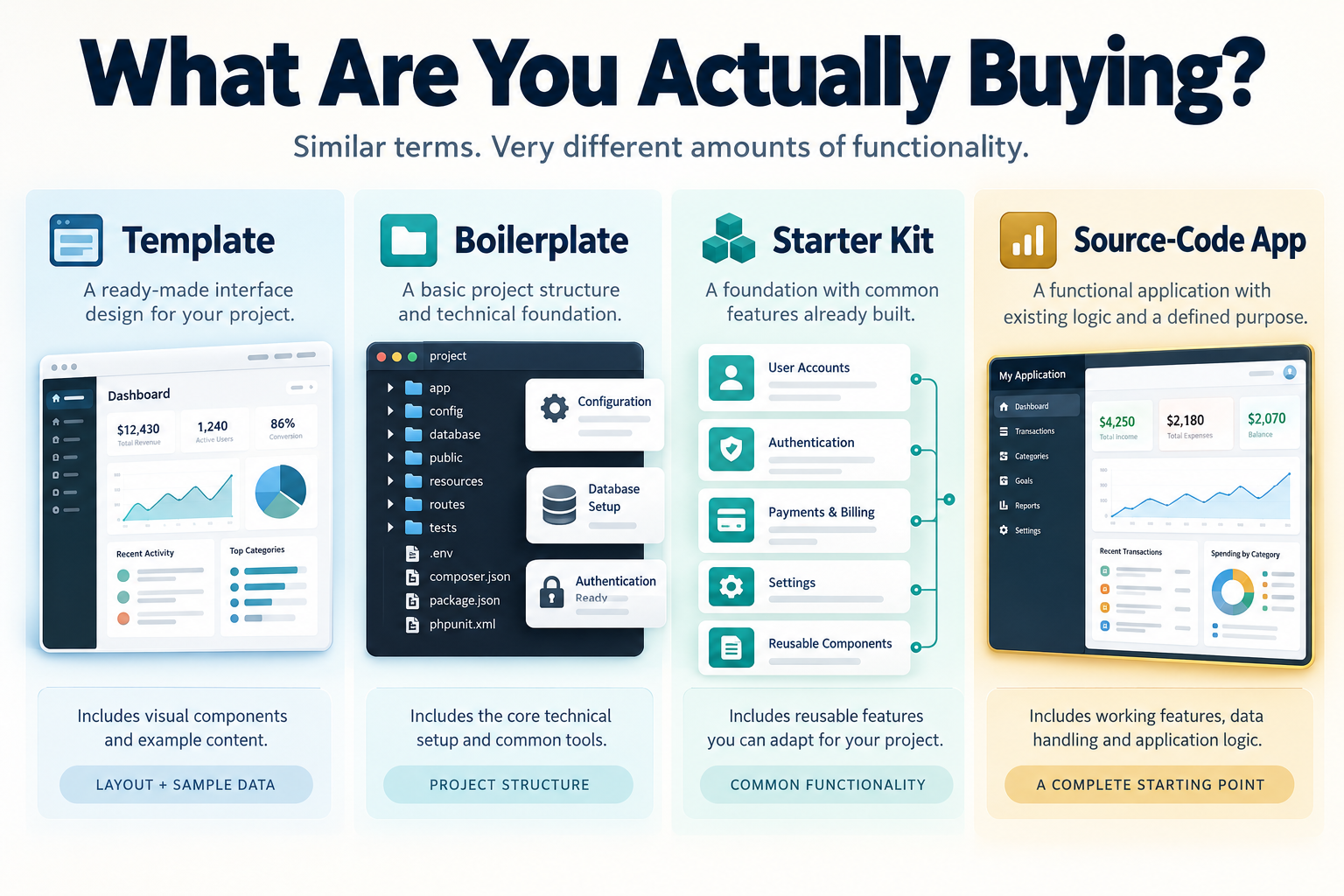
This is part of the wider subject of source-code products and who buys them. They occupy an interesting space between ready-made applications and software built entirely from the beginning.
For some people, a finished hosted service will be the easier choice. For others, having the code and the ability to change it is part of the attraction.
The Best Time to Think About Offline Access Is Before You Need It
Internet access on boats will continue to improve, and for many owners, reliable connectivity is already part of their normal routine. That doesn't make offline functionality irrelevant.
A maintenance record, checklist or fuel entry is useful because of the information it contains, not because a server happens to be available.
The same principle applies beyond marine software. Many everyday applications could benefit from treating the internet as something that enhances their functionality rather than something required for every basic action.
Captain’s Toolkit is my attempt to apply that idea to vessel management. It brings together routine onboard records in an offline-first application, while keeping backup and optional online functionality separate.
It won't eliminate the need for paper records, backups, good maintenance practices or proper safety equipment. Nor does offline-first design remove every technical limitation.
But it does address a simple frustration: needing information that is already yours and being unable to access it because the connection has disappeared.
If you're interested in how that approach works in practice, you can explore Captain’s Toolkit on Cordinant, see its features and learn more about the available source-code editions.
Captain’s Toolkit
Self-hosted offline-first PWA source code for vessel records, voyages, maintenance, fuel, crew, safety and operational checklists.
- Vessel Management
- Voyage Log
- Fuel Tracking