You remember writing a particularly good AI prompt a few weeks ago. It produced exactly the kind of result you needed, and now you want to use it again.
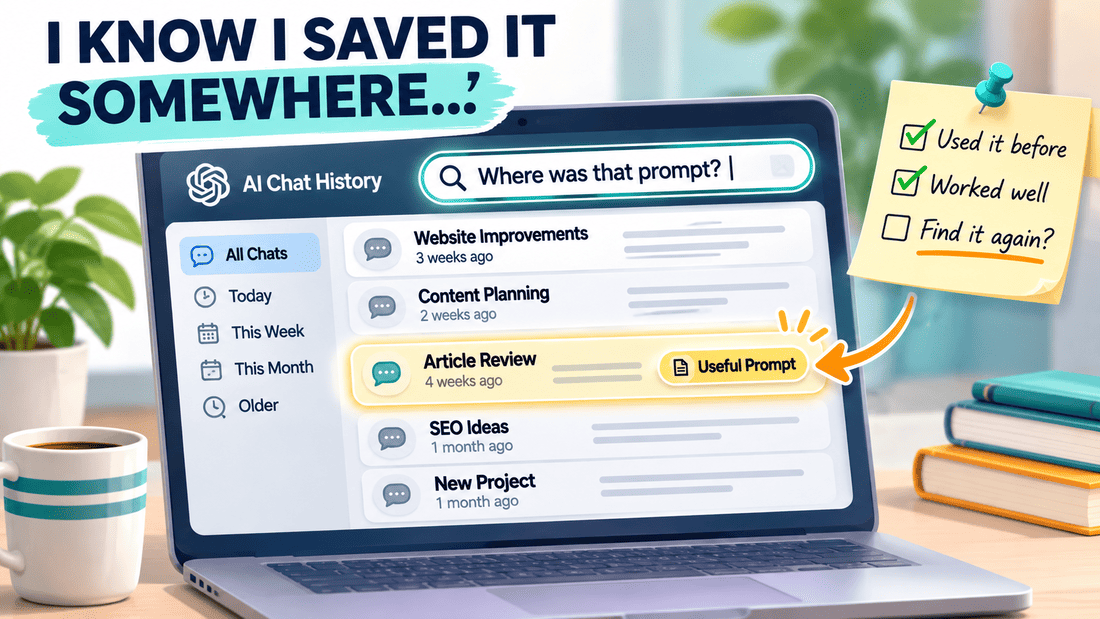
You open your ChatGPT history and start looking. Was it in the conversation about website content? Or the one where you were experimenting with product descriptions? Perhaps you used it while working on something completely different.
You remember what the prompt did, but not what you called the conversation or which words you used.
After several minutes of searching, you find three similar conversations, none containing quite what you wanted. Eventually, you decide it might be faster to write the prompt again.
It's a familiar situation for people who use AI assistants regularly. Chat histories are convenient places to keep conversations, but they can become surprisingly awkward places to store useful instructions.
And the more you work with AI, the more noticeable that difference becomes.
Your Chat History Wasn't Built Around Your Prompts
An AI conversation usually begins with a task. You ask a question, explain a problem, request some content or describe something you want to build.
Then the conversation develops.
You clarify your requirements, correct an answer, add examples, change direction or ask for something else. Sometimes you return to the same conversation several days later and continue working.
By the end, one chat might contain twenty messages about a single task. Another might contain fifty messages covering several related subjects.
Somewhere inside those conversations are instructions worth keeping.
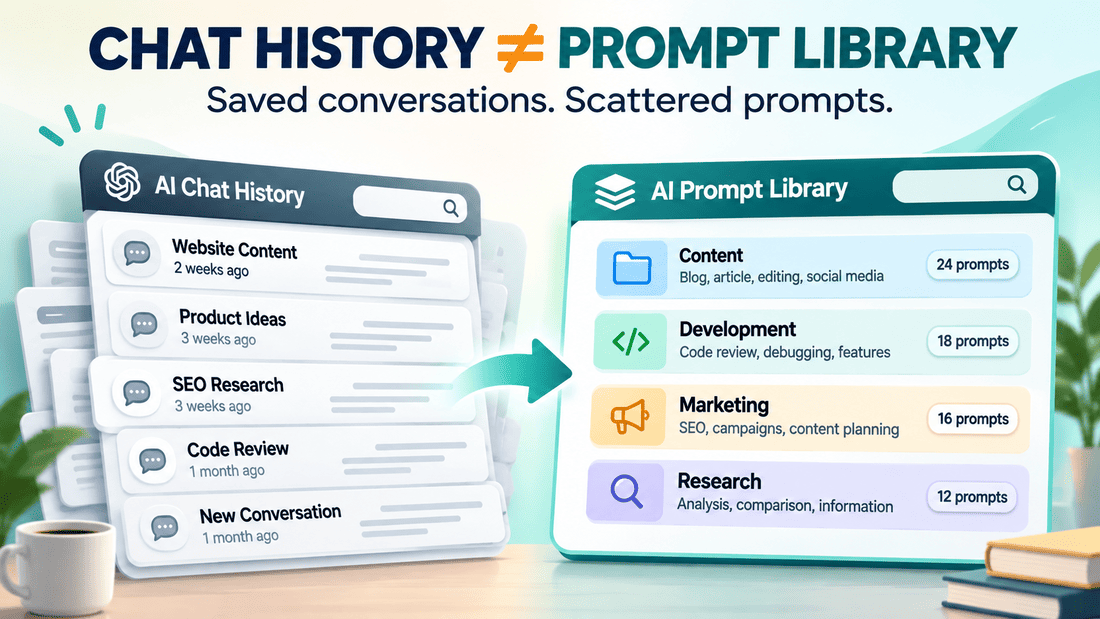
The difficulty is that a conversation and a prompt are not quite the same kind of material.
A conversation records an interaction. It preserves the questions, answers, corrections and decisions that happened along the way. That history can be valuable, particularly when you want to understand how an idea developed.
A reusable prompt has a different purpose. It is an instruction you expect to use again, perhaps with different information or in another project.
Chat interfaces naturally place conversations at the centre of the experience. Even when they offer search, folders, projects or other organizational features, the main unit of information is usually still the conversation.
That works well for ongoing discussions. It becomes less convenient when you want to retrieve one specific instruction from somewhere in the middle.
The Prompt You Remember but Cannot Find
Searching for something is much easier when you remember its name.
Unfortunately, people often remember what an AI prompt accomplished rather than the exact words they used to write it.
Imagine that you created a prompt for reviewing website content. It checked whether the text was understandable, identified repetitive explanations and suggested improvements without completely rewriting the author's voice.
Three weeks later, you want to use it again.
You search for "content review", but perhaps the original conversation was called "Website improvements". You try "SEO", although the prompt was not specifically about SEO. Then you search for a phrase you think appeared in the instructions.
Nothing looks familiar.
This doesn't necessarily mean the AI platform has a bad search function. Search tools can only work with the information available to them and the way that information is organized.
A prompt may be difficult to locate because its purpose is clearer in your memory than in its original wording.
There is another complication: useful prompts are not always written as single, complete messages.
Sometimes an initial instruction becomes useful only after several corrections. You might start with a simple request, discover that the answer is too formal, add restrictions and finally arrive at something that works.
The instruction you want to reuse may be scattered across several messages.
Finding the conversation is only the first part of the problem. You still need to identify which pieces of it are worth keeping.
Saving a Conversation Isn't the Same as Saving a Prompt
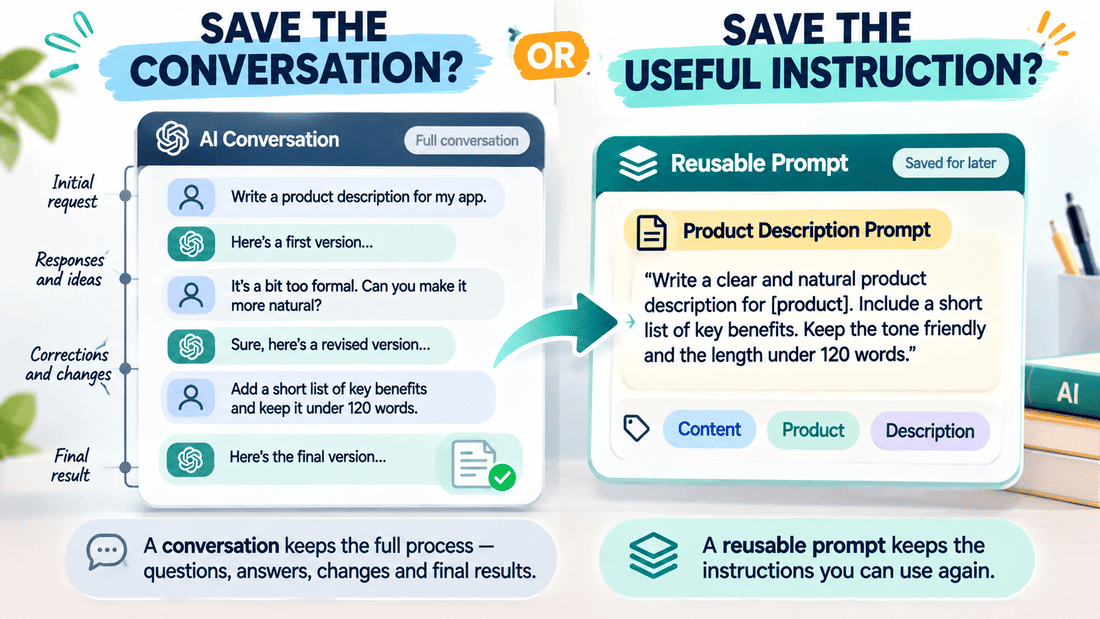
Suppose you have a long conversation about writing product descriptions.
It contains an initial request, several generated descriptions, your comments, corrections and a final version that you like.
You decide to save the conversation because you may need it again.
What exactly have you saved?
You have preserved the entire working process, which can be useful. But if you return a month later to write a description for another product, you may not need the whole discussion.
You probably need the instructions that produced the final result.
Those instructions might include the intended audience, preferred tone, content structure and restrictions on certain expressions. The previous product's name and technical details may no longer be relevant.
A saved conversation keeps everything together. A saved prompt separates the reusable instruction from the particular situation in which it was created.
That distinction sounds small until the number of conversations grows.
Consider a content creator who regularly prepares blog articles, social media posts, product descriptions and email campaigns.
They may have dozens of conversations containing similar instructions, with slight differences depending on the task.
Some are experiments. Some are temporary requests. Others contain instructions that have proved useful repeatedly.
Keeping all those conversations is easy. Recognizing which instructions deserve a permanent place in a personal collection takes more thought.
And sometimes the most useful material is not the original prompt at all. It is the cleaner instruction that could be assembled from the conversation afterwards.
When Your AI Work Spreads Across Different Projects
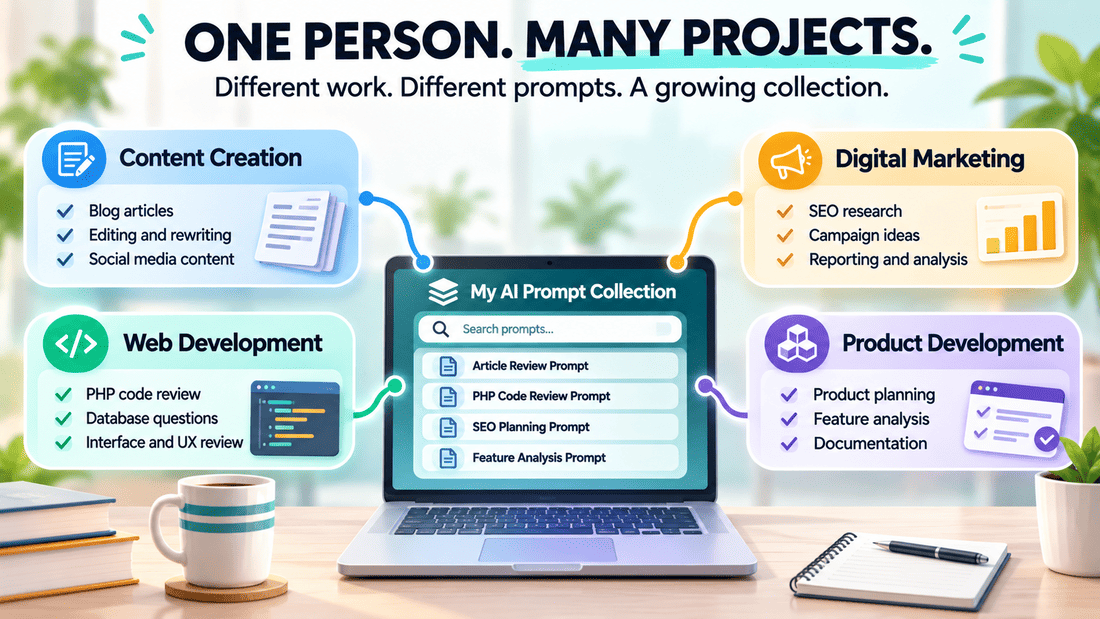
Organizing prompts becomes more complicated when AI is used for several kinds of work.
A freelancer might prepare content for three clients, each with a different audience and writing style.
A digital marketer may use AI for keyword research, content planning, advertising ideas and reporting.
A developer might use it to examine PHP code, discuss database structures, review interfaces or explore application features.
An independent product creator could be doing all of these things while also working on their own website.
At first, keeping everything in the same chat history may seem perfectly reasonable. The conversations are there, and the search function is available whenever something needs to be found.
But different projects gradually develop their own collections of useful instructions.
A prompt for reviewing technical documentation may have little in common with one for creating social media content. An instruction prepared for one client's brand might be inappropriate for another.
The problem is not simply the number of prompts. It is the number of contexts in which those prompts make sense.
Imagine opening a folder containing hundreds of documents with names such as "Final version", "Updated text", "New project" and "Ideas".
All the information is technically saved. Very little of it is immediately recognizable.
AI chat histories can develop a similar problem, especially when conversations are created quickly and their titles are never revisited.
The situation becomes even less convenient when someone uses several AI assistants.
A useful instruction might have been developed in ChatGPT, tested in Claude and later reused in Gemini. Each platform maintains its own environment, and the person working across them has to remember where particular material was saved.
Not everyone needs to solve this with another application. But it does raise an interesting question: should reusable instructions belong to the AI platform where they were written, or to the person who uses them?
What Makes a Prompt Library Actually Useful?
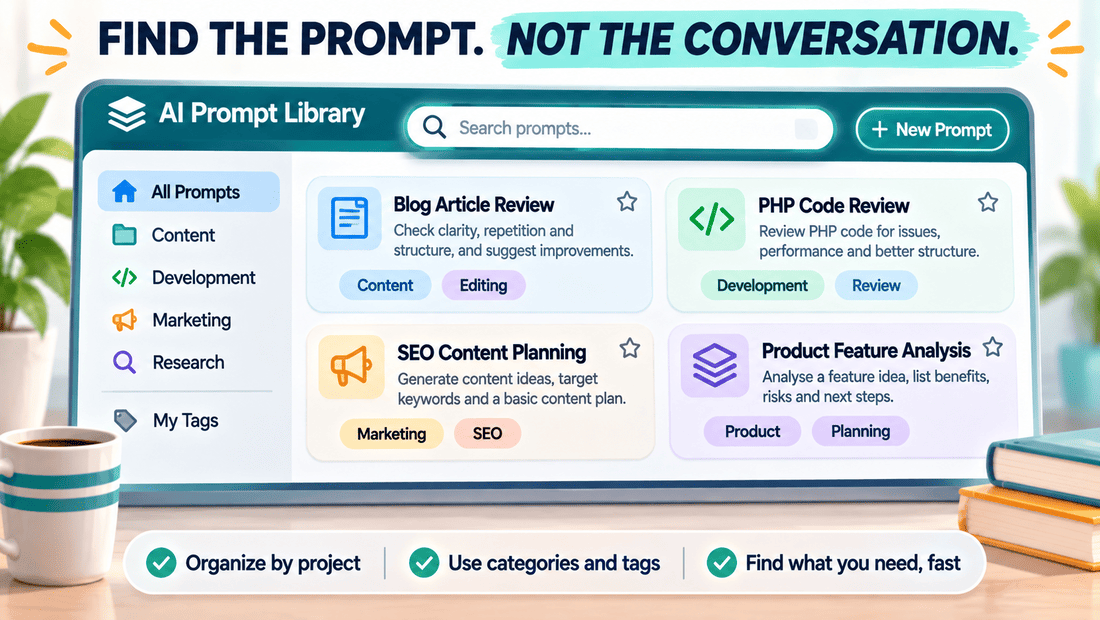
The phrase AI prompt library may sound more sophisticated than the idea really is.
At its simplest, a prompt library is a collection of instructions that someone wants to keep, find and reuse.
It could be a text document, a spreadsheet, a collection of notes or a dedicated application.
The format matters less than whether the collection remains understandable after several months.
For example, imagine two saved prompts.
One is titled "Prompt 17".
The other is titled "Review a Blog Article for Repetition and Unclear Explanations".
Even before opening either one, you can probably guess which will be easier to find later.
A useful prompt library needs some connection between the instructions and the work they are intended to perform.
Categories can help separate content writing from software development or marketing tasks. Tags can describe more specific purposes, such as editing, research, planning or review.
Search becomes more useful when prompts have meaningful names and descriptions rather than being buried inside unrelated conversations.
There is also the question of accessibility.
If someone regularly works across several projects or AI platforms, they may prefer to keep reusable instructions somewhere independent of any single conversation.
However, organization can easily become excessive.
A collection with fifteen prompts probably doesn't need twelve categories, a complicated naming convention and several levels of folders.
Even a large collection can become difficult to use if every new prompt requires too many organizational decisions.
The purpose of a library is to make useful material easier to retrieve, not to create another administrative task.
A simple system that people actually maintain is often more practical than an elaborate one they gradually abandon.
Do You Really Need a Separate Prompt Library?
Not necessarily.
Someone who uses ChatGPT occasionally to summarize documents, answer questions or improve emails may have no reason to organize prompts separately.
Their conversations already provide enough context, and searching through them may take only a few seconds.
Even frequent AI users may be comfortable with their existing setup.
Some AI platforms provide ways to group conversations into projects, search previous chats or maintain instructions for particular kinds of work. These features can be sufficient, depending on how someone uses them.
A dedicated prompt management application is not automatically a better solution.
It introduces another place to store information. Someone must decide what belongs there, keep the collection organized and remember to use it.
There is also a risk of collecting prompts simply because they seem worth saving.
A library containing hundreds of instructions that are never reused may be no more useful than a crowded chat history.
The more interesting question is whether the current approach creates friction.
Do you frequently recreate instructions because you cannot find the originals? Do you copy prompts between unrelated conversations? Do you struggle to remember which instructions belong to which projects?
If these situations happen regularly, separating reusable prompts from conversation history may become worthwhile.
If they rarely happen, there may be nothing to fix.
Where Cordinant AI Prompt Studio Fits Into This
These organizational questions are among the reasons behind the development of Cordinant AI Prompt Studio.
The idea is to provide a separate place for working materials that people want to preserve and reuse, rather than treating every useful instruction as part of an old conversation.
The application is being developed around Workspaces and Projects, with libraries for Prompts and Templates. Tags and search help organize saved materials, while relationships make it possible to connect related items.
For example, a collection of prompts for website content could sit within one project, while instructions for software development belong to another. Related materials could remain connected without having to exist inside the same conversation.
The intention is not to replace ChatGPT, Claude, Gemini or other AI assistants.
Those applications remain the places where conversations happen and work gets done. A separate library is simply another possible way to manage instructions that may be useful beyond their original conversations.
AI Prompt Studio is still a developing Cordinant project, and the broader question remains relevant regardless of which tool someone chooses.
How much organization is useful before the effort of maintaining it becomes greater than the time it saves?
From Conversations to Reusable Work
There is something interesting about the way AI changes the materials people create during ordinary work.
A conversation may begin as a temporary exchange. You need an answer, ask a question and move on.
But sometimes the instructions written during that exchange become useful beyond the immediate task.
A prompt originally created for one article might later help with another. An instruction for reviewing a website might become part of a regular content workflow.
The conversation was temporary. The instruction wasn't.
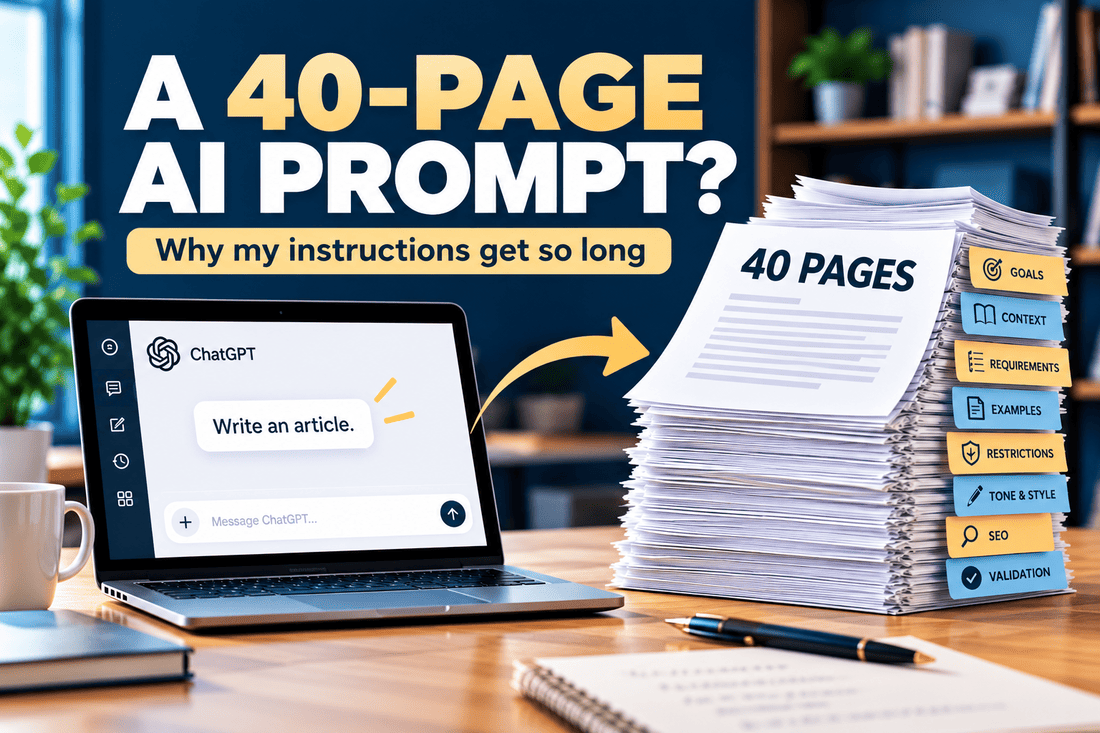
This is also why some AI instructions gradually become much longer and more detailed than a simple question. They start incorporating requirements, preferences and decisions that would otherwise need to be explained repeatedly.
I explore that different side of the subject in Why My AI Prompts Sometimes Run to 30 or 40 Pages.
That article looks at the complexity of the instructions themselves. Organizing them introduces a separate problem: what happens when you accumulate enough useful instructions that remembering where they are becomes difficult?
There is no particular number of prompts at which a chat history suddenly stops being convenient.
For one person, fifty conversations may be easy to manage. For another, ten important prompts scattered across several projects may already feel disorganized.
The change often happens gradually.
You start by asking AI questions. Then you begin reusing certain instructions. Eventually, some of those instructions become working materials you expect to find again.
At that point, your chat history is doing two jobs: remembering what happened and storing what you may need in the future.
Those jobs overlap, but they are not identical.
Perhaps the clearest sign that you need a prompt library is not how many prompts you have saved. It is the moment you realize you are spending more time looking for a good instruction than you would spend writing a new one.